Mastering Texture and Depth with Procreate Oil Brush 31 Impasto
Digital art has evolved rapidly, yet one challenge remains persistent for many artists: replicating the tactile, physical sensation of traditional media. While tablets offer precision and undo buttons, they often lack the visceral feedback of bristles dragging across woven canvas. This is where the Procreate Oil Brush 31 Impasto changes the workflow. Designed to bridge the gap between digital convenience and traditional texture, this tool allows artists to create thick, dimensional strokes that mimic the behavior of real oil paint.
For adults returning to art or professionals seeking to expand their digital toolkit, understanding how to leverage impasto techniques can transform flat illustrations into painterly masterpieces. The goal is not just to draw an image, but to construct it with weight, light, and shadow inherent in the brushwork itself.
The Challenge of Digital Flatness
Many digital artists struggle with work that looks "too clean." Standard round brushes in Procreate produce smooth gradients and perfect lines, which can result in images that feel sterile or computer-generated. This is particularly frustrating for those who admire the expressive, chaotic beauty of impressionism or the heavy textures found in abstract expressionism.
The primary need here is texture. Artists want their viewers to feel the ridge of the paint, to see how light catches the peak of a stroke, and to experience the organic irregularity of hand-made art. Without the right tools, achieving this requires complex layering, manual highlighting, and time-consuming blending tricks. The Procreate Oil Brush 31 Impasto addresses this by baking the physics of paint interaction directly into the brush engine.
Understanding the Impasto Effect
Impasto is a technique where paint is laid on an area of the surface very thickly, usually enough that the brush or painting-knife strokes are visible. When dry, the paint stands out from the surface. In traditional painting, this adds a three-dimensional quality that changes depending on the lighting angle.
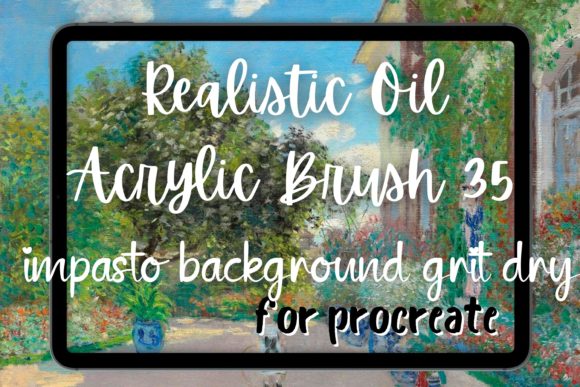
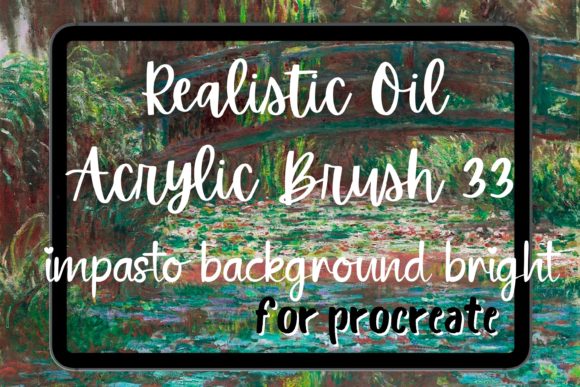
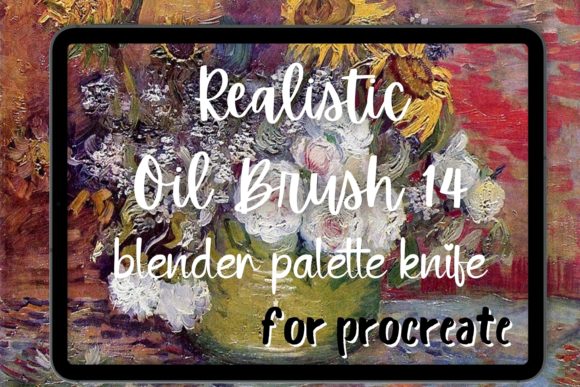
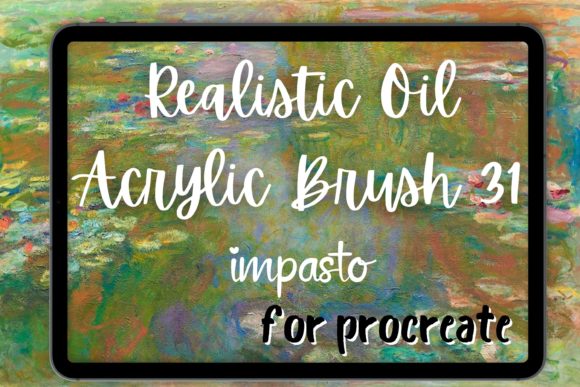
The Procreate Oil Brush 31 Impasto Realistic Oil Painting Brush for Procreate simulates this effect digitally. It is made with real-life brush strokes to give you the feeling of painting with paint and canvas. By using pressure sensitivity and tilt recognition, the brush varies its width, opacity, and texture density. This means that a light touch creates a subtle whisper of color, while a firm press deposits a heavy, textured load of digital pigment.
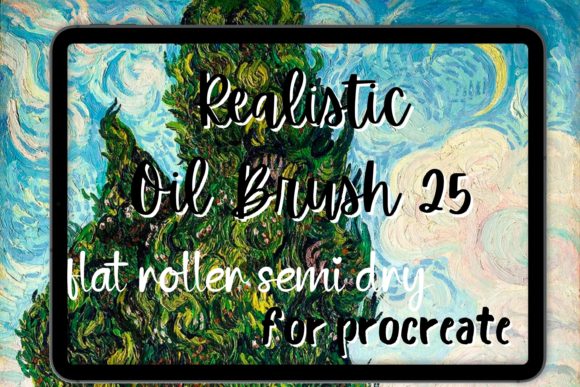
This capability is essential for creating a painterly aesthetic. Instead of coloring within lines, you are building form through gesture. This approach aligns closely with the methods used by masters like Van Gogh, whose work is defined by rhythmic, visible strokes that convey emotion as much as imagery.
Practical Applications for Different Art Styles
The versatility of the Procreate Oil Brush 31 Impasto makes it suitable for various artistic disciplines. Here is how different users can apply this tool to meet their specific creative goals.
Impressionism and Landscape Painting
For landscape artists, the key is capturing light and atmosphere quickly. The Van Gogh oil style relies on broken color and distinct strokes. Using the Procreate Van Gogh inspired settings within this brush, you can lay down quick dabs of color that optically blend when viewed from a distance. Try using short, choppy strokes for foliage and longer, sweeping motions for sky and water. The impasto texture helps separate elements naturally, preventing the muddiness that often occurs when over-blending digital colors.
Abstract Expressionism
Abstract artists benefit immensely from the unpredictability of the impasto brush. In this genre, the process is as important as the result. The oil brush strokes generated by this tool allow for spontaneous gestures. You can layer contrasting colors without them mixing completely, preserving the integrity of each hue. This creates visual tension and depth, encouraging the viewer to explore the surface of the artwork. The abstract painting workflow becomes more intuitive, as the brush responds to the speed and angle of your hand, mimicking the resistance of a physical canvas.
Portraiture and Figurative Work
While often associated with loose styles, impasto can also enhance realism. In portraiture, using thick strokes for highlights on the nose, cheeks, or lips can simulate the way light hits oily skin or structured bone. The Procreate bundle of techniques involving this brush allows for a hybrid approach: smooth blending for shadows and impasto strokes for highlights. This contrast draws the eye to focal points and adds a lifelike vibrancy to the subject.
Integrating with Other Media Simulations
One of the strengths of the Procreate Oil Brush 31 Impasto is its compatibility with other brush types. Many artists maintain a mixed-media workflow even within a digital environment. For instance, you might start with a wash using a watercolor brush to establish values, then switch to an acrylic brush for mid-tones, and finally use the Procreate Oil Brush 31 Impasto for final details and texture.
Similarly, if you prefer the matte finish of gouache, you can use a gouache brush for base layers and reserve the oil impasto for accents. This layering strategy prevents the artwork from looking uniform. The key is to let the impasto sit on top of smoother layers, creating a hierarchy of texture that guides the viewer’s eye.
Tips for Maximizing Realism
To get the most out of your procreate brush experience, consider these practical recommendations:
- Use High-Resolution Canvases: Impasto textures require pixel density to look convincing. Work at 300 DPI or higher to ensure the brush grain remains sharp and detailed.
- Leverage Tilt and Pressure: Do not just press harder; tilt your stylus. The Procreate Oil Brush 31 Impasto is designed to react to the angle of entry, much like a flat bristle brush. This allows for wide, sweeping strokes or narrow, precise lines without changing tools.
- Limit Your Palette: Traditional oil painters often restrict their palette to maintain harmony. When using Van Gogh brush techniques, limiting your colors forces you to mix on the canvas, creating natural variations and grays that enhance the realistic feel.
- Embrace Imperfection: Digital art allows for perfection, but impasto thrives on accident. Allow strokes to overlap messily. Let underlying colors peek through. This "happy accident" approach is central to the impressionism style.
Choosing the Right Workflow
Every artist approaches texture differently. Some may prefer a procreate bundle that includes multiple variations of oil brushes for different stages of painting. Others may find that mastering a single, versatile tool like the Procreate Oil Brush 31 Impasto leads to a more cohesive style. The latter approach encourages deep familiarity with the tool’s nuances, allowing for faster execution and more confident mark-making.
For beginners, starting with simple shapes and focusing solely on stroke direction can build muscle memory. Advanced users might experiment with combining the impasto brush with custom blending modes or layer effects to enhance the illusion of depth. Regardless of skill level, the objective remains the same: to inject soul and physicality into the digital space.
Conclusion
The transition from traditional to digital media does not require sacrificing the joy of texture. With tools like the Procreate Oil Brush 31 Impasto, artists can reclaim the tactile experience of painting. Whether you are aiming for the swirling energy of a Van Gogh oil piece, the bold statements of abstract painting, or the subtle nuances of a portrait, this brush provides the necessary control and realism. By understanding the mechanics of impasto and applying them thoughtfully, you can elevate your digital art from flat images to dynamic, textured compositions that resonate with viewers on a sensory level.